Instructions for BlackBerry users
Once downloaded the app will contain just one
calling list - @theCallingTree. If someone has set you up in a telephone list of
their creation you will have received an email containing a 48 digit code and a
welcome message - this is the key to getting all the contact details of that or
any list onto your handset.
First a look at the menu options:
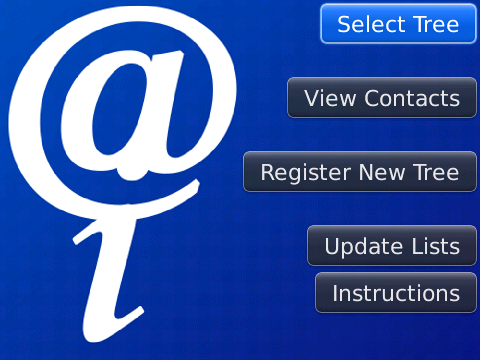
The top button is
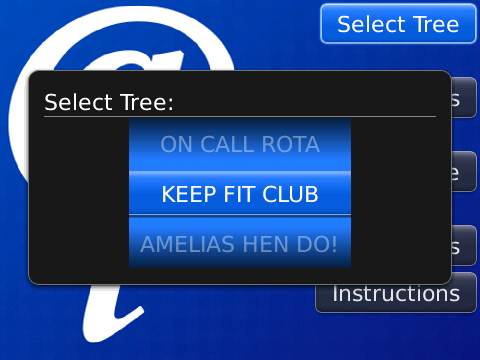
the current contact list you are browsing - press this and you will be able to
pick from all the trees you have registered.
Next is the
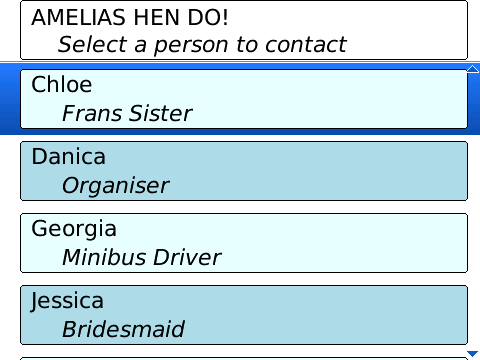
View Contacts button -
This will show you the connections or contacts in the tree - hopefully you are
in there somewhere - if your number or information is incorrect please contact
the list creator.
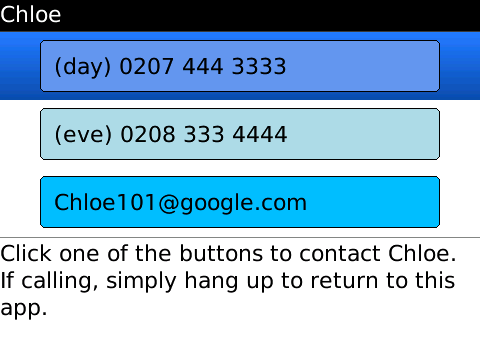
From this menu you can click to go
further and get to the exact contact details as seen here: Notie ho it
doesnt matter if th numbers have text in them - the app caters for this when you
click one of the numbers to make the call.
So lets get some trees into the application
Registering a new tree
Hopefully you have been sent an email letting you know you are part of a calling
tree - in the email is a long code which is the key to the calling tree.
Go to the email, press the BlackBerry logo button or action key and pick
SELECT from the menu,
Roll the track wheel or drag with your
finger so you have highlighted all 48 charcters in the code. For the last
time press the BlackBerry logo button and pick
COPY from the
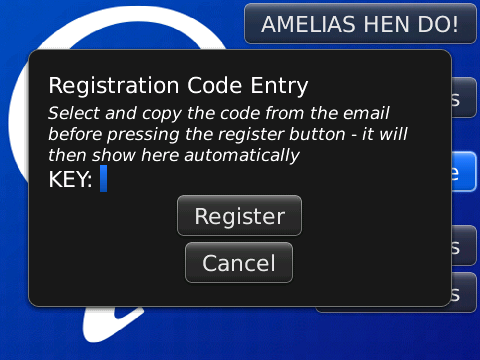
menu. No you can close your email and go back to the program and press the
Register New Tree button - the app will paste in the contents
of your clipboard directly into the field and then download the tree (or will do
at the next available opportunity if you are out of network range.
And that is all here is to it. Any questions please email
Support@theCallingTree.com